PATRONHUBDEVS // SECURITY
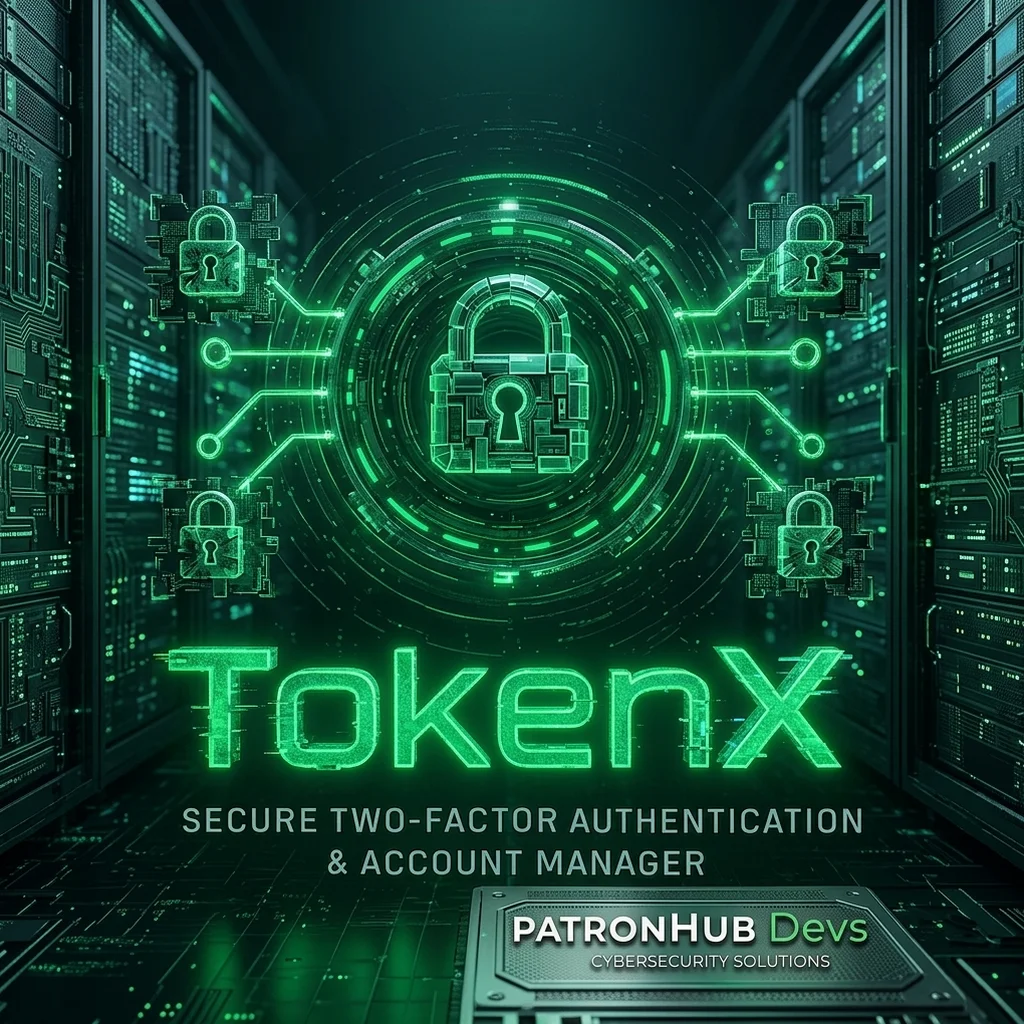
TokenX TOTP/2FA Manager
Secure Two-Factor Authentication & Account Manager
TokenX keeps every TOTP secret encrypted on your machine. No cloud, no sync service, no exposure. Import via QR scan or manual entry, export an encrypted vault for backup, and stay in control of your entire 2FA stack from one clean interface.
Features
- TOTP generation for all major platforms
- AES-256 encrypted credential storage
- Encrypted backup and restore vault
- QR code scanning and token import
- Audit logging for enterprise accountability
Who this is for
GOOD FIT
- You want encryption that works without a cloud account
- You operate in air-gapped or restricted network environments
- You need a one-time purchase with no recurring cost
- You want to verify the cryptographic primitives before trusting them
NOT A FIT
- You need cross-device sync via a cloud vault
- You're looking for a mobile (iOS/Android) application
- You need team/shared access to the same encrypted file
- You're on macOS or Linux (Windows 10/11 only currently)
System Requirements
Security Guarantees
- Immediate access after purchase
- Works 100% offline, no account needed
- Free updates within the major version
Download Free — GitHub Download Free — Terabox
Open source · No account required
- Platform Windows 10 / 11
- Version 1.0.0
- License Free
- Category Security
- Type Desktop App
Questions before buying? Ask the developer →